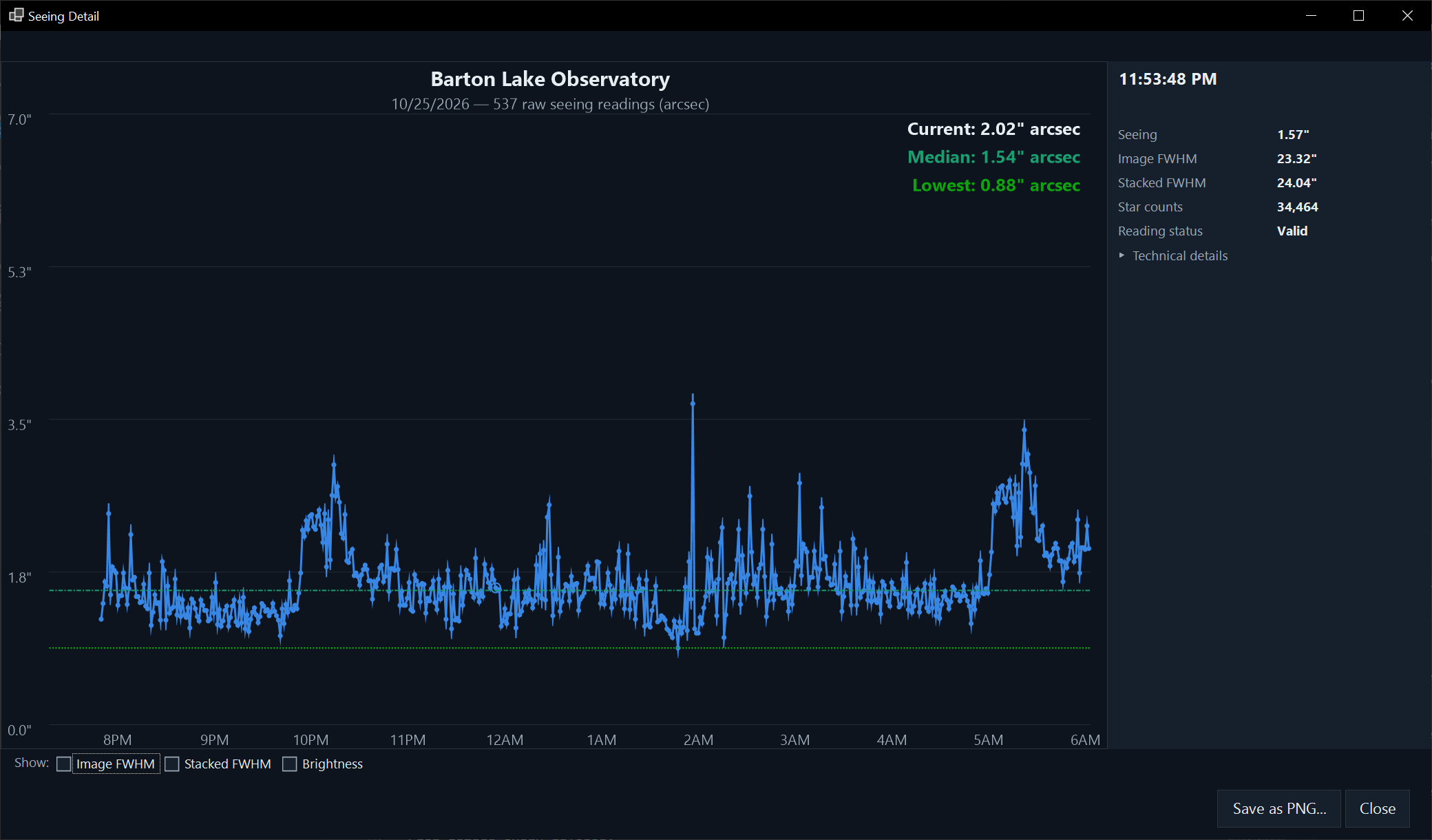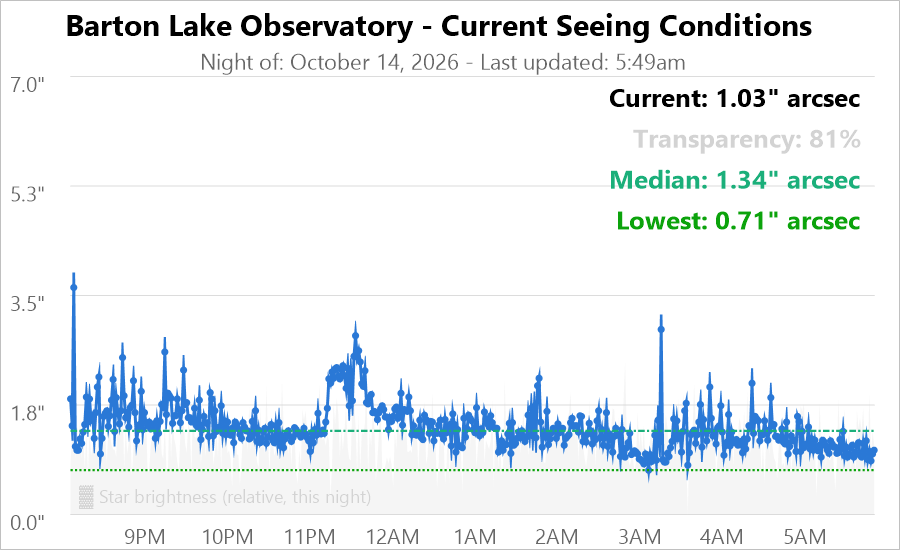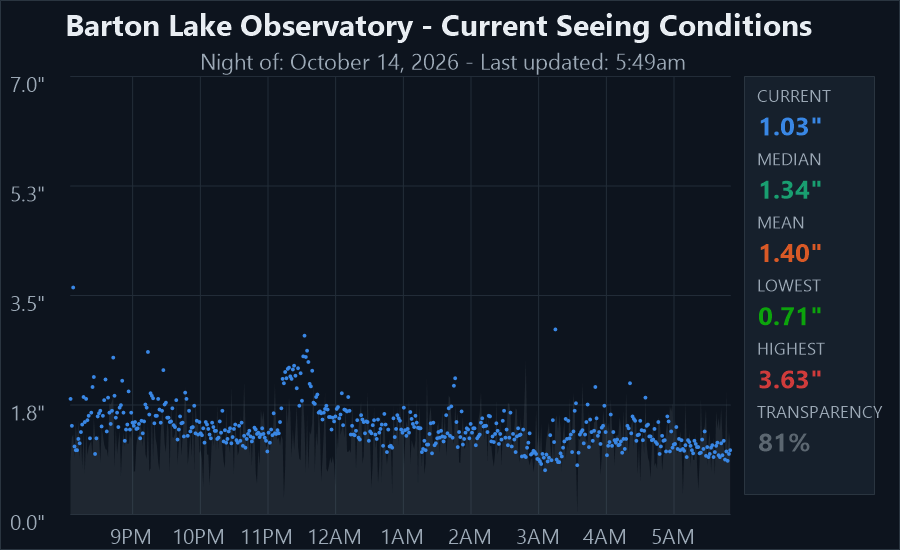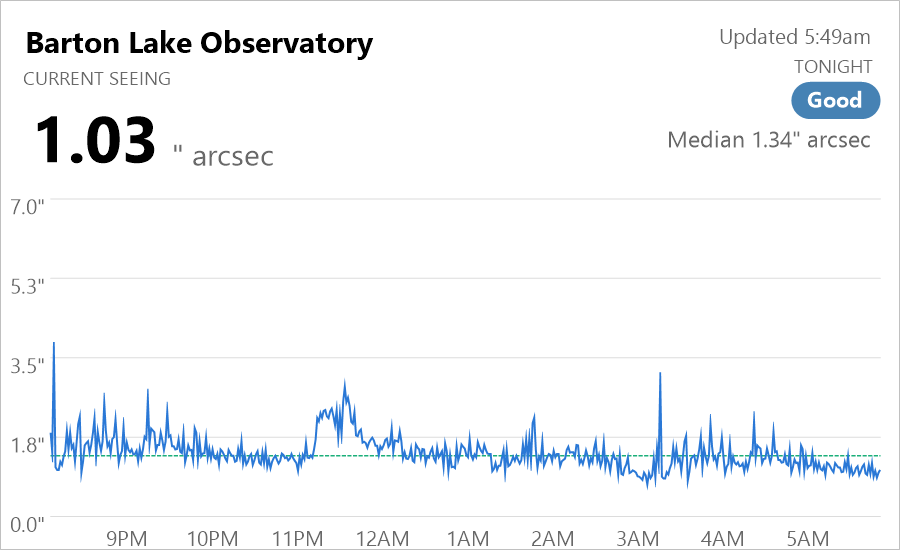
Windows software that measures your sky's seeing all night, every night, with a small camera pointed at Polaris.
Seeing Monitor is a Single Image Motion Monitor (SIMM). A fixed camera watches Polaris and takes 256 very short exposures each minute. It measures how much the star dances, then turns that motion into seeing in arcseconds, corrected to the zenith, using the standard Kolmogorov turbulence model.
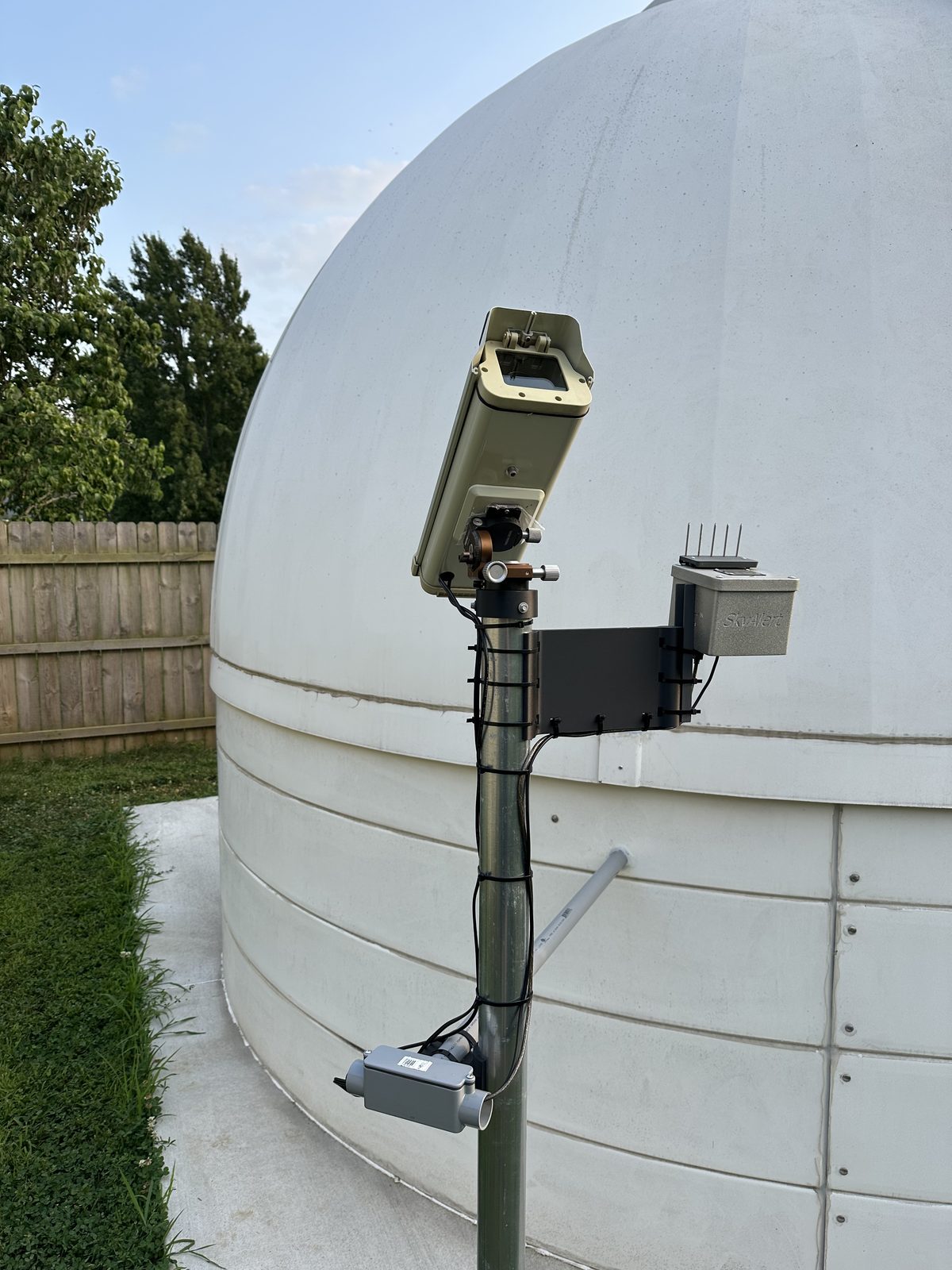
Unlike a DIMM, it needs no aperture mask and no tracking mount, just a steady mounting.
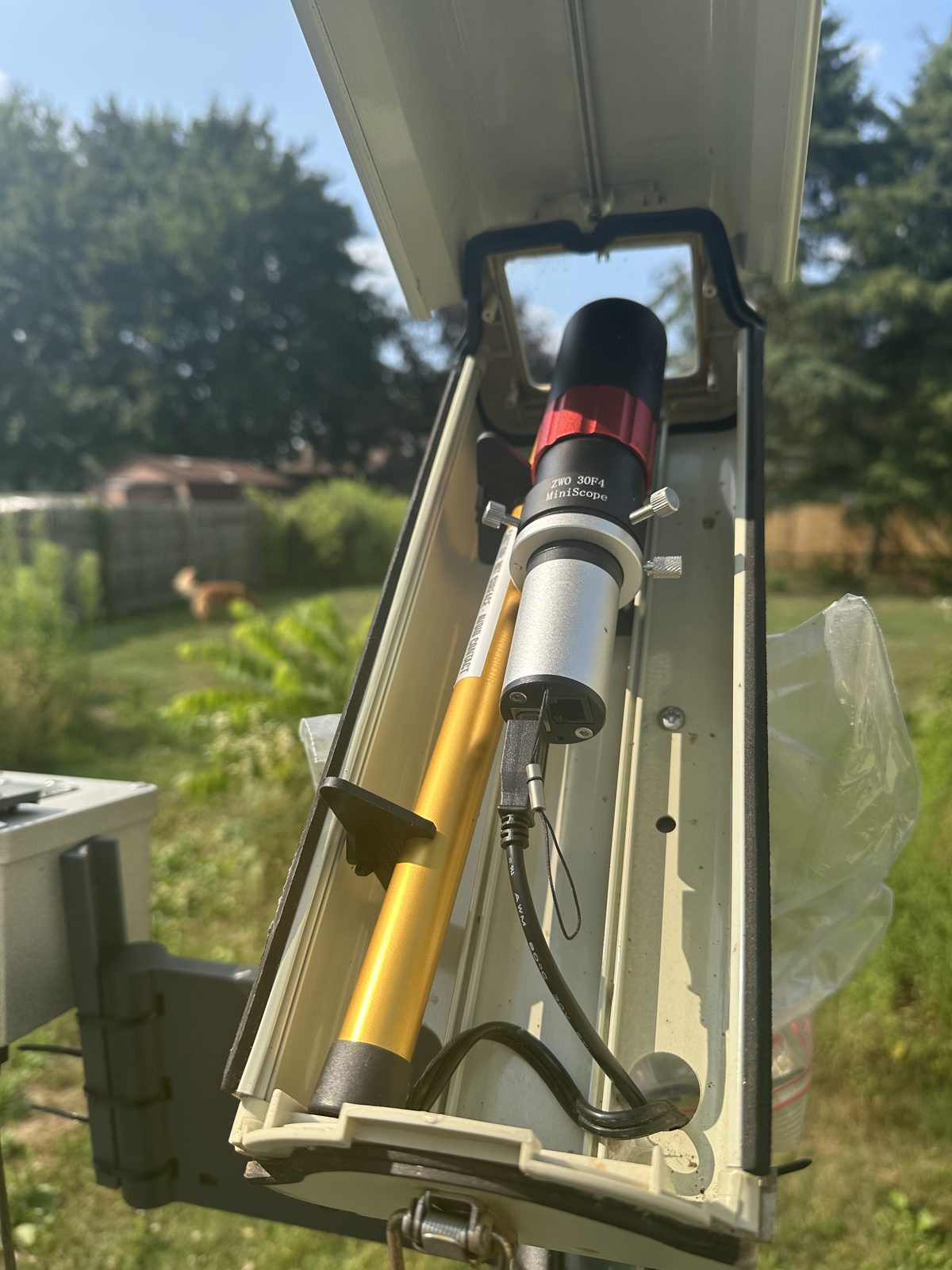
The seeing monitor at Barton Lake Observatory: a small camera and lens in a weatherproof housing, fixed on a pole and aimed at Polaris. No tracking mount is needed.
This is one example, not a requirement. Seeing Monitor supports QHY, ZWO, SBIG and Player One cameras and works from whatever pixel size, focal length and aperture you enter.
Planning your own? Feel free to get in touch at info@bartonlakeinstruments.com to talk through hardware designs.
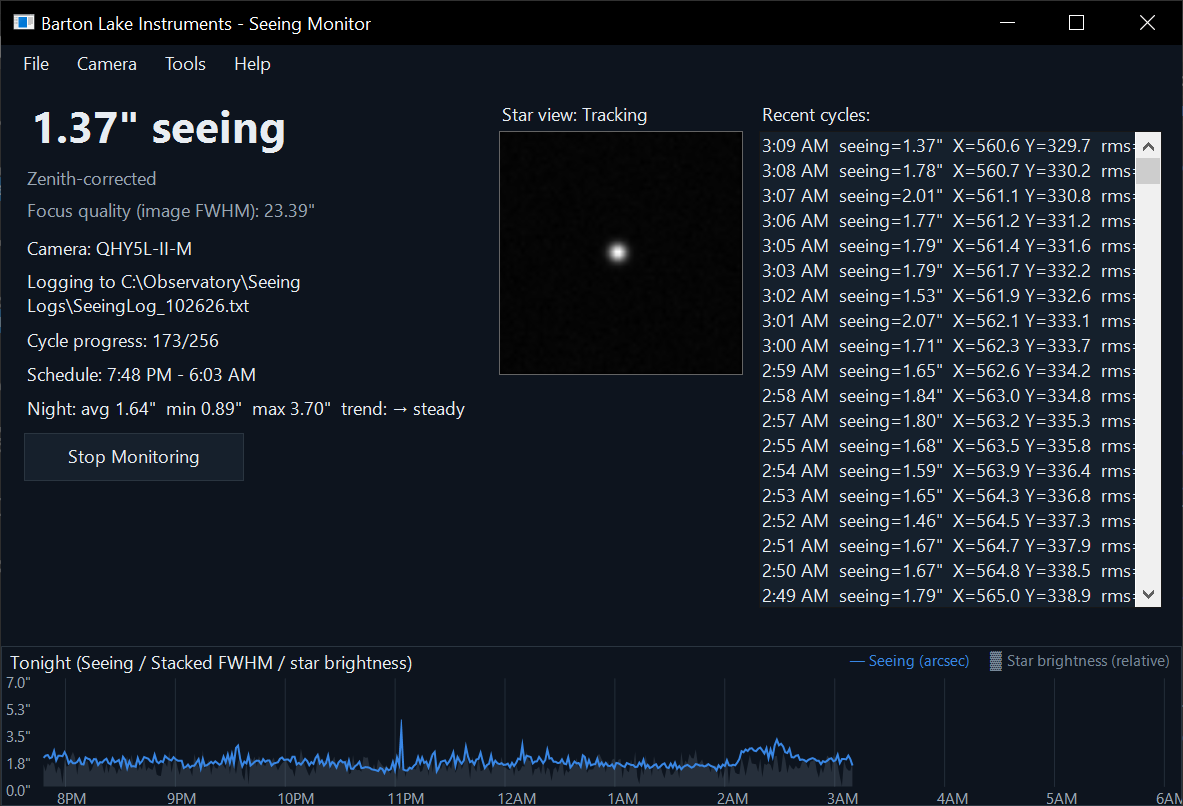
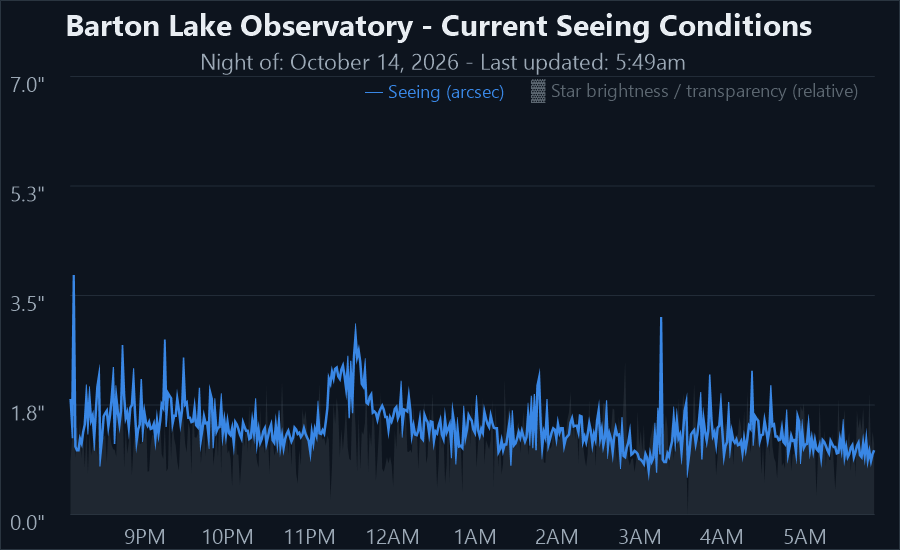
A new seeing value in arcseconds every minute, corrected to the zenith for your latitude. A live close-up of the star and a chart of the whole night show it happening.
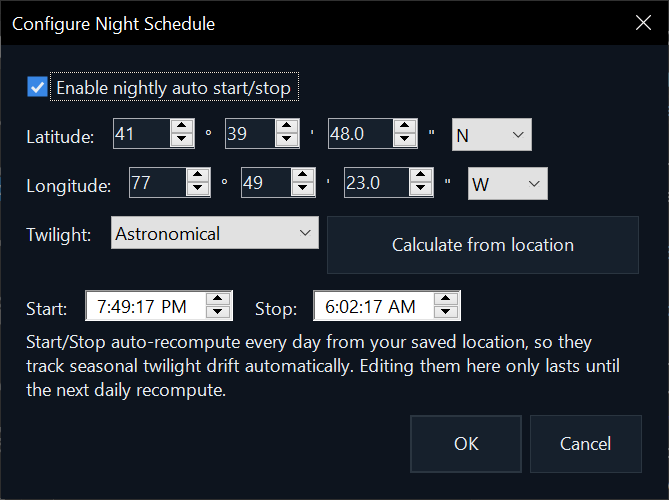
Enter your site once. Seeing Monitor works out twilight for every night, connects the camera, and starts and stops by itself. It can also start with Windows, so an observatory computer recovers from a restart.
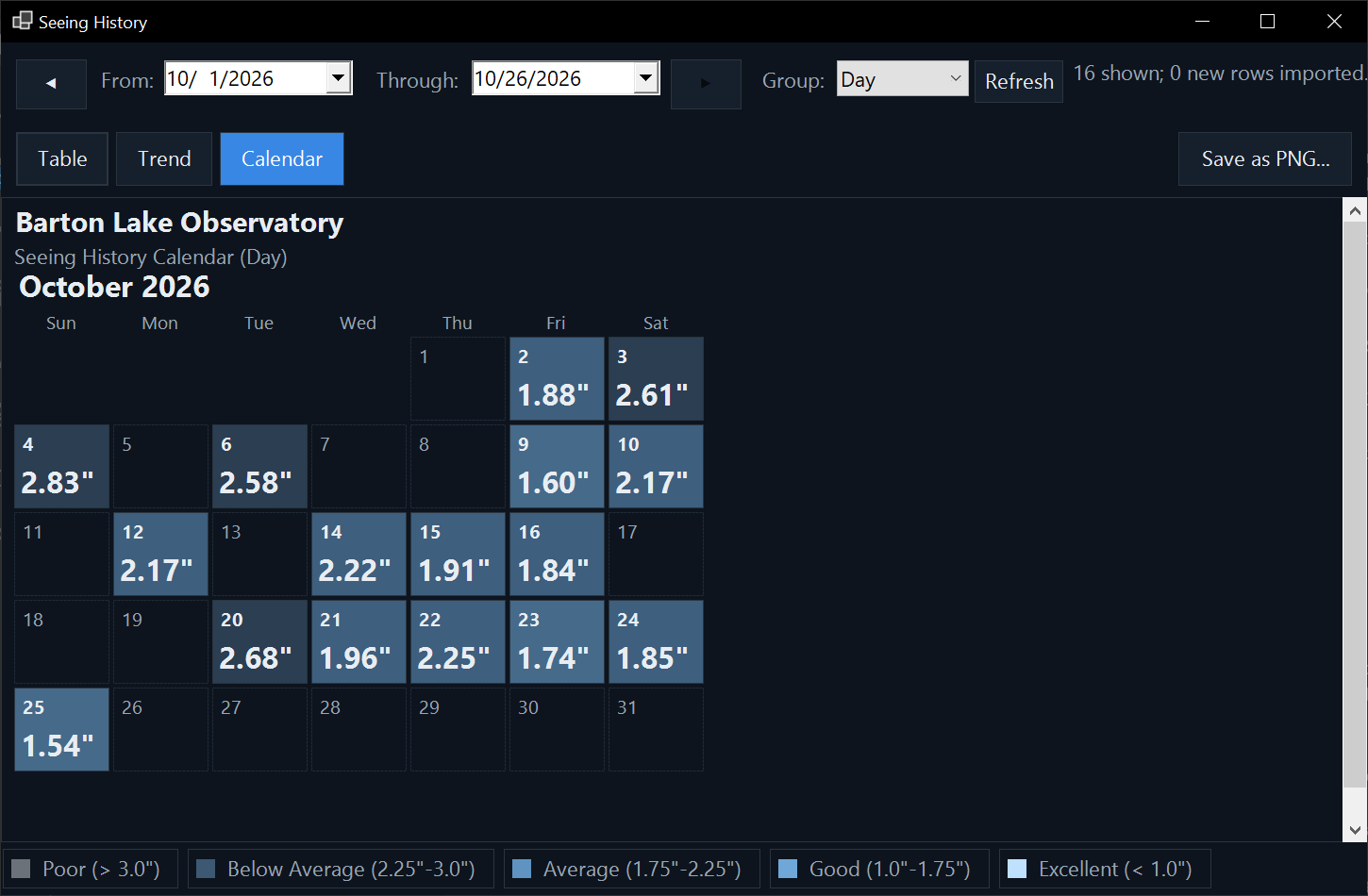
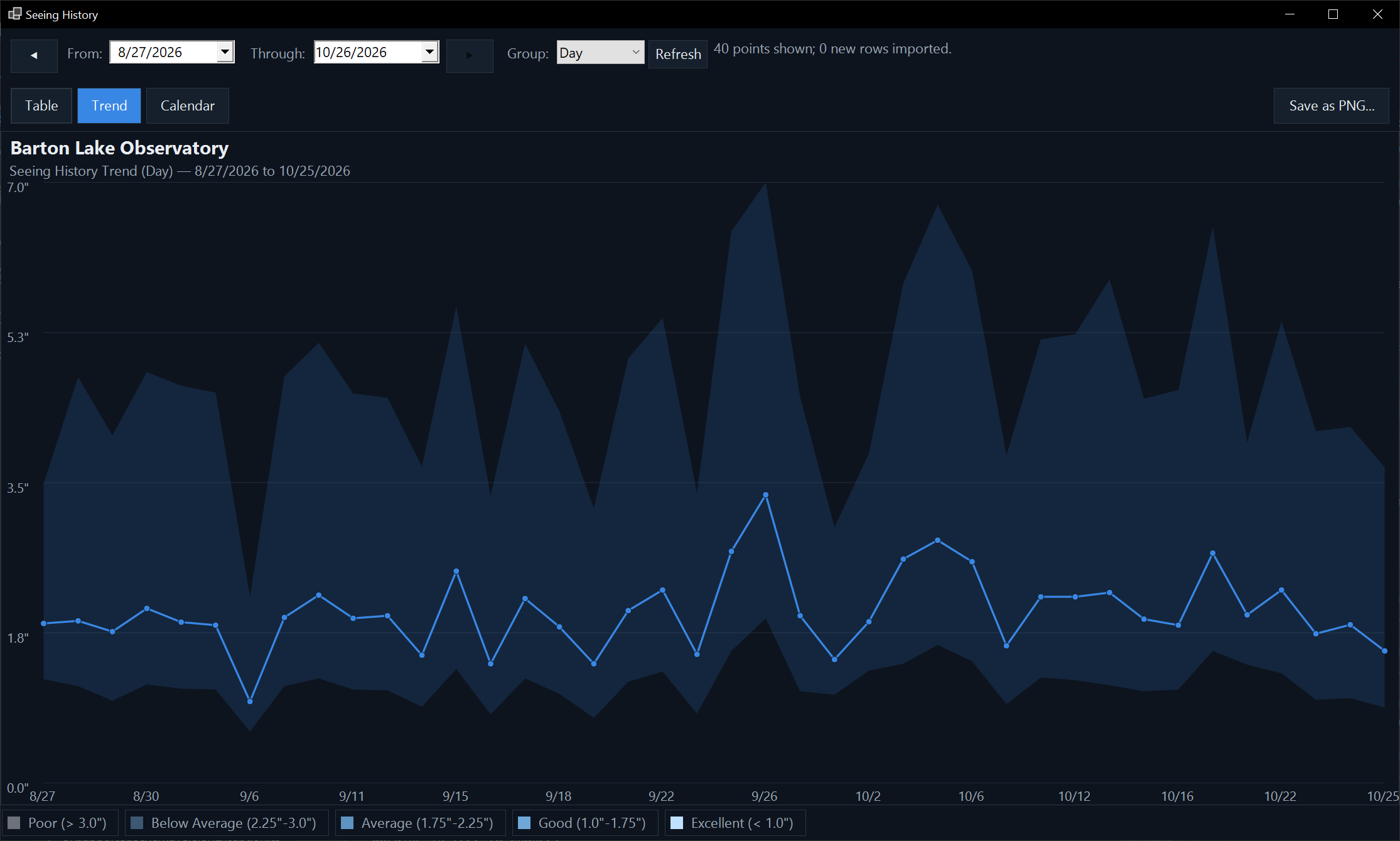
Seeing History shows every night you've logged as a table, a trend or a calendar, by day, week, month, season or year. Click any night to see each reading. It brings in your existing seeing logs and never changes them.
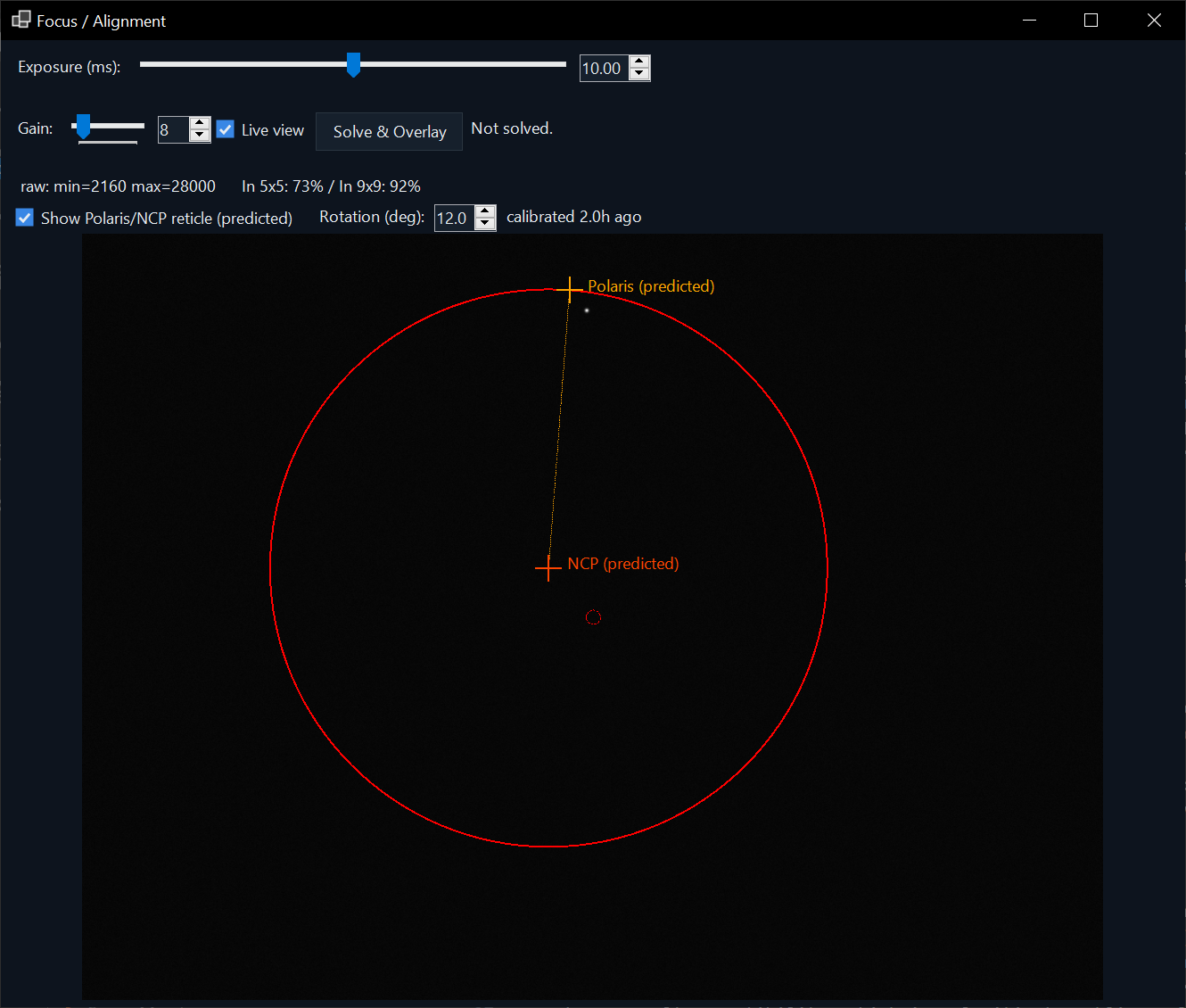
Focus/Alignment mode gives a live view with a reading of how tightly the star's light is concentrated, so you can tell when focus is right. With ASTAP installed, one click plate-solves the field and marks the pole and Polaris.
Save tonight's chart through the night in one of four styles, and upload it, or the night's log, to your website by FTP, FTPS, SFTP or Amazon S3.
An optional ASCOM ObservingConditions driver reports the current seeing through the standard StarFWHM property, so your imaging and guiding software can read it. Readings are also written to plain text logs, and Seeing Monitor works with QHY, ZWO, SBIG and Player One cameras.
57.1 MB · Windows 10 and 11, 64-bit. The installer includes everything Seeing Monitor itself needs; installing it needs administrator rights. Install your camera's own USB driver first.
Download the installer What's new in 3.0.11 Read the user guideUsing N.I.N.A., PHD2 or another ASCOM program? Download the ASCOM driver 1.0.2 (install the ASCOM Platform first).
Windows may show “Windows protected your PC” the first time you run the installer. Click More info, then Run anyway.
SHA-256 1040B29C79F1EB6AC0EB3AEE8BFA6B7F800F1938763ECC34F92DF91FE6951936
Questions, bug reports and feature suggestions are all welcome by email: support@bartonlakeinstruments.com